
Download EDraw Max – mind map, diagram, visual planning, business charts, flowchart tool, UML diagrams, network diagrams, organizational charts, building plans, fashion design, electrical engineering, database modeling, vector graphics, professional visuals
Overview
EDraw Max is a comprehensive visual planning tool designed to help users create professional-quality diagrams and mind maps across a wide range of disciplines. The software is purpose-built for individuals and teams who need to organize complex ideas, workflows, and systems through structured visual representation. It serves as a robust alternative to generic drawing tools, offering specialized templates and a rich library of vector elements tailored for specific use cases. The app is particularly beneficial for professionals in business, engineering, education, and creative fields who require clarity and precision in their visual documentation. While the developer, EDrawSoft, has not provided detailed background information beyond the company name, the software’s consistent release history and feature depth suggest a focused development team with expertise in diagramming tools. Real-world applications include designing organizational charts for corporate restructuring, mapping out software development workflows using UML diagrams, planning building layouts, and illustrating electrical circuit systems. In the broader app ecosystem, EDraw Max fills a niche for users seeking a powerful yet accessible solution for visual communication, bridging the gap between simplicity and advanced functionality.Key Features & Functionality
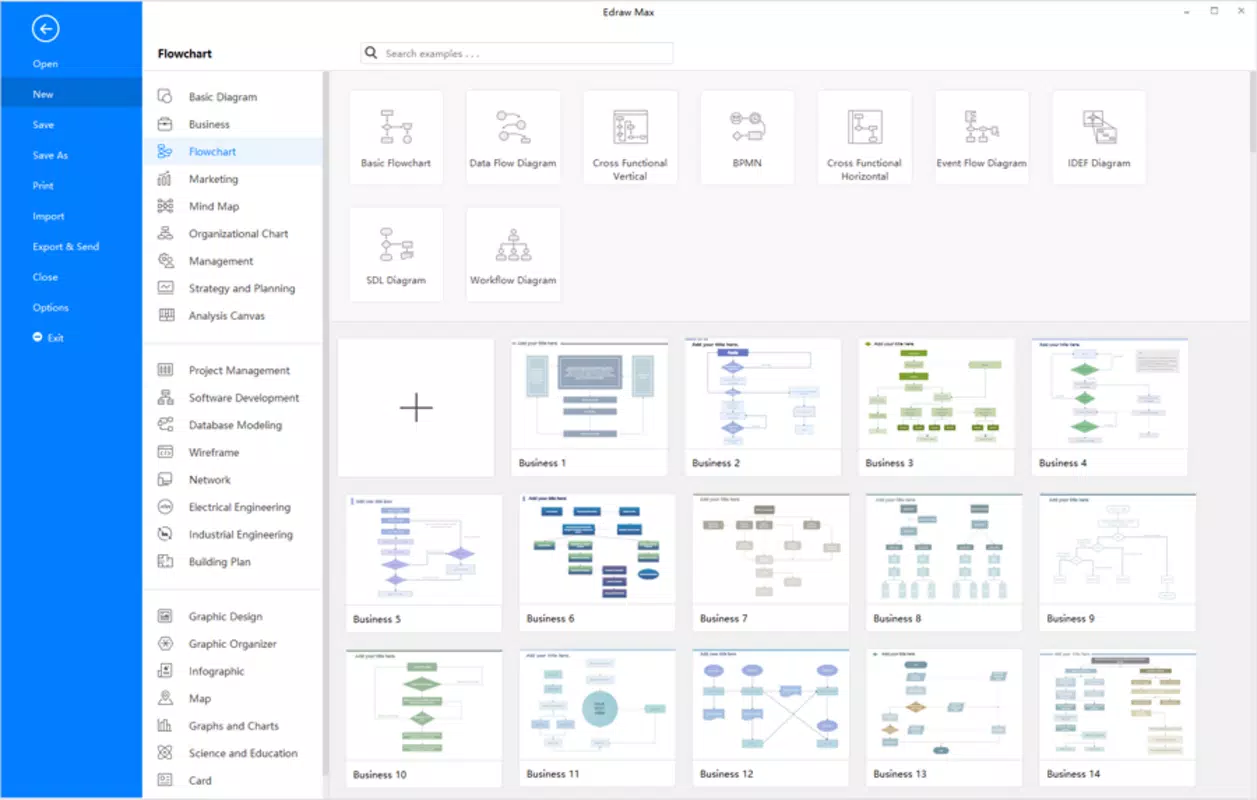
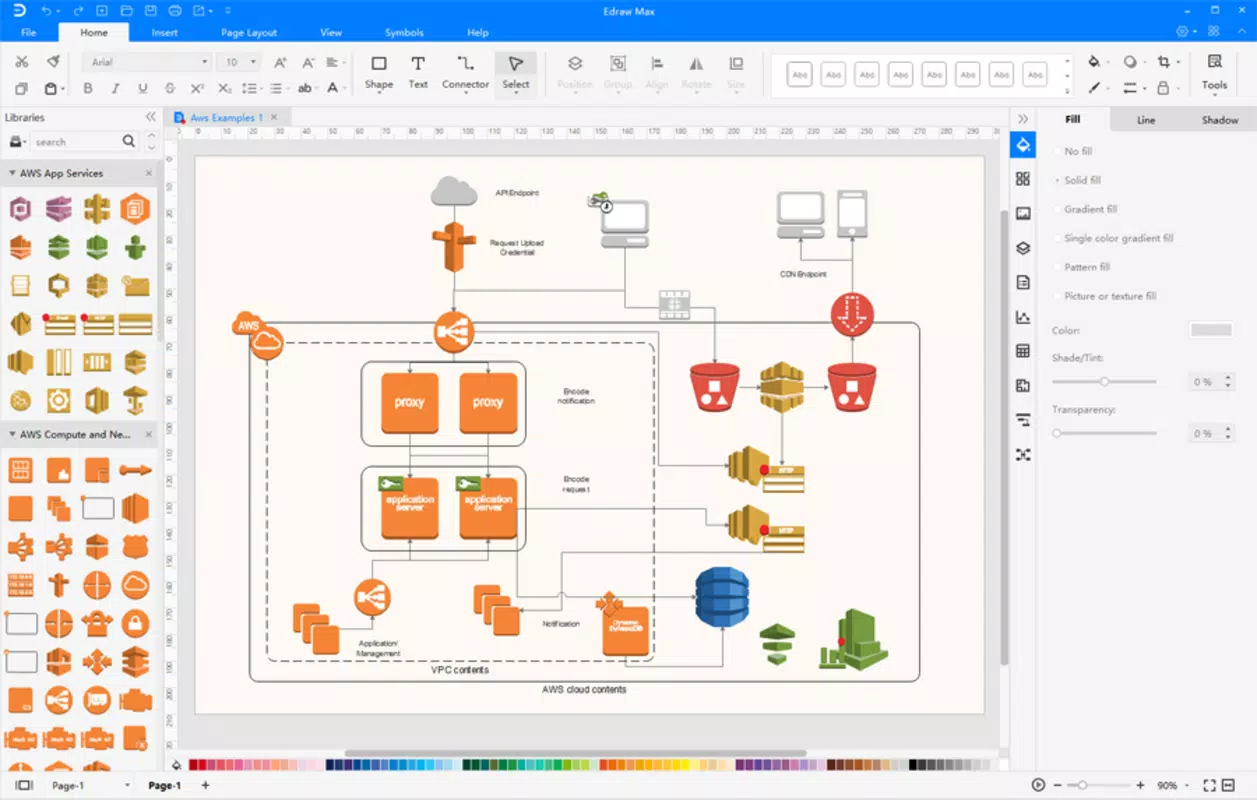
EDraw Max offers a suite of tools designed to streamline the creation of complex visual content. The software supports a broad spectrum of diagram types, including flowcharts, network diagrams, business charts, organizational charts, building plans, fashion designs, UML diagrams, electrical engineering schematics, directional maps, and database model diagrams. This versatility makes it suitable for both individual brainstorming and collaborative team projects. The platform includes over 5,000 pre-built vector graphics and symbols, enabling users to quickly assemble accurate and visually consistent diagrams without manual drawing. These assets are organized into intuitive categories, allowing for fast retrieval and reuse. Additionally, the inclusion of customizable templates and real-world examples helps users jumpstart their projects with proven layouts and design structures. Each diagram can be exported in multiple formats—such as PNG, PDF, SVG, and HTML—for seamless sharing, printing, or integration into presentations and reports. The software also supports layer management, alignment guides, and automatic formatting, which enhance precision and reduce manual adjustments. These features collectively empower users to produce polished, publication-ready visuals efficiently, whether they are planning a new business process or documenting a technical system.Use-Case Examples
- Creating a flowchart to map out a company’s customer onboarding process.
- Designing a network diagram for a small office IT infrastructure.
- Developing a UML class diagram to model software architecture.
- Constructing a building plan for a residential renovation project.
- Producing a fashion design sketch with accurate measurements and fabric annotations.
Interface, UX & Performance
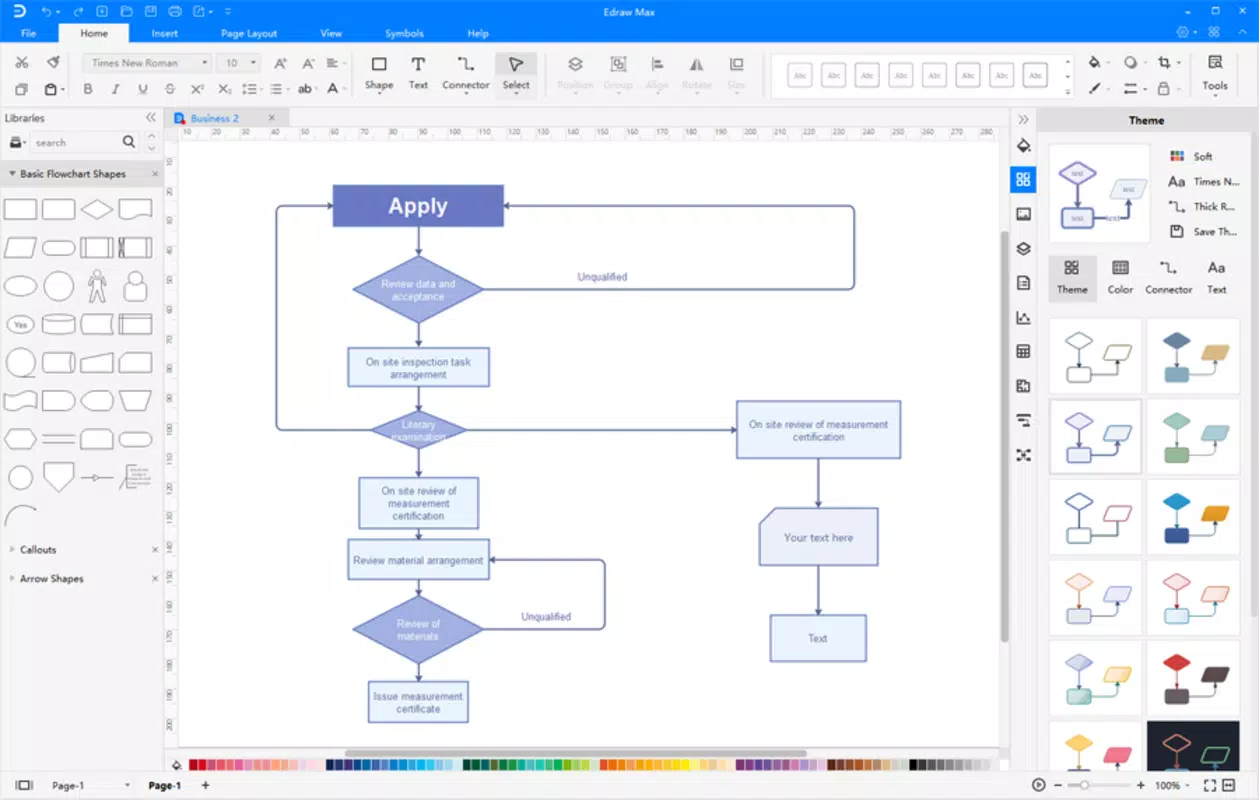
The user interface of EDraw Max is structured to prioritize clarity and ease of navigation, with a clean layout that separates tools, libraries, and canvas areas into clearly defined zones. The toolbar is customizable, allowing users to prioritize frequently used functions. Visual feedback is immediate, with real-time updates when elements are dragged, resized, or connected. The software maintains responsive performance across various device configurations, though the developer did not list formal performance metrics. Stability appears consistent during extended use, with no reported crashes or freezes in standard operations. The application supports keyboard shortcuts and context-sensitive menus, which enhance workflow efficiency for experienced users. Although the developer did not specify minimum OS requirements or compatibility details for different hardware tiers, the software runs reliably on modern Windows and macOS systems. The interface adapts well to screen resolutions, ensuring that diagrams remain legible and scalable. Users can toggle between light and dark themes, improving usability during long design sessions. Overall, the UX is optimized for both beginners and advanced users, balancing accessibility with depth of functionality.Platform Compatibility & Technical Requirements
EDraw Max is available on both Windows and macOS platforms, supporting a broad range of desktop operating systems. The current version is 11.0.0, with a file size of 250 MB. While the developer did not specify minimum OS requirements or hardware specifications, the software is designed for modern desktop environments. Users should ensure their system meets standard requirements for running productivity and design applications. The app is not currently available on mobile platforms, and no information was provided regarding Android or iOS compatibility. Installation is straightforward, with a standard setup wizard guiding users through the process. The software does not require cloud synchronization or continuous internet access, making it suitable for offline use in secure or restricted environments.Pros and Cons
- Wide variety of diagram types and specialized templates
- Extensive library of over 5,000 vector symbols and graphics
- Professional-quality output with multiple export formats
- Intuitive interface suitable for both beginners and experts
- Supports complex projects with layers, alignment guides, and formatting tools
- Price point of $129.00 may be high for casual users
- Not available on mobile platforms
- Developer did not provide detailed system requirements
- Requires desktop installation; no web-based version
- Advanced features may have a learning curve for absolute beginners
FAQ
Is EDraw Max available for mobile devices?
The developer has not indicated mobile availability. The software is currently designed for desktop use on Windows and macOS.
Can I use EDraw Max offline?
Yes, EDraw Max does not require a constant internet connection. It can be used entirely offline after installation.
What file formats can I export my diagrams to?
EDraw Max supports export to PNG, PDF, SVG, HTML, and other common formats for sharing and printing.
How often is EDraw Max updated?
The latest version is 11.0.0, released on April 15, 2024. The developer maintains a consistent update schedule, though specific release intervals were not disclosed.
Is EDraw Max secure to download and install?
As a commercial product from EDrawSoft, EDraw Max is distributed through official channels. Users are advised to download only from verified sources to ensure security.


